
See how Rivio fits into your study day.
Set a work block, use flashcards to check what you remember, and keep your subjects and study activity together on Android.
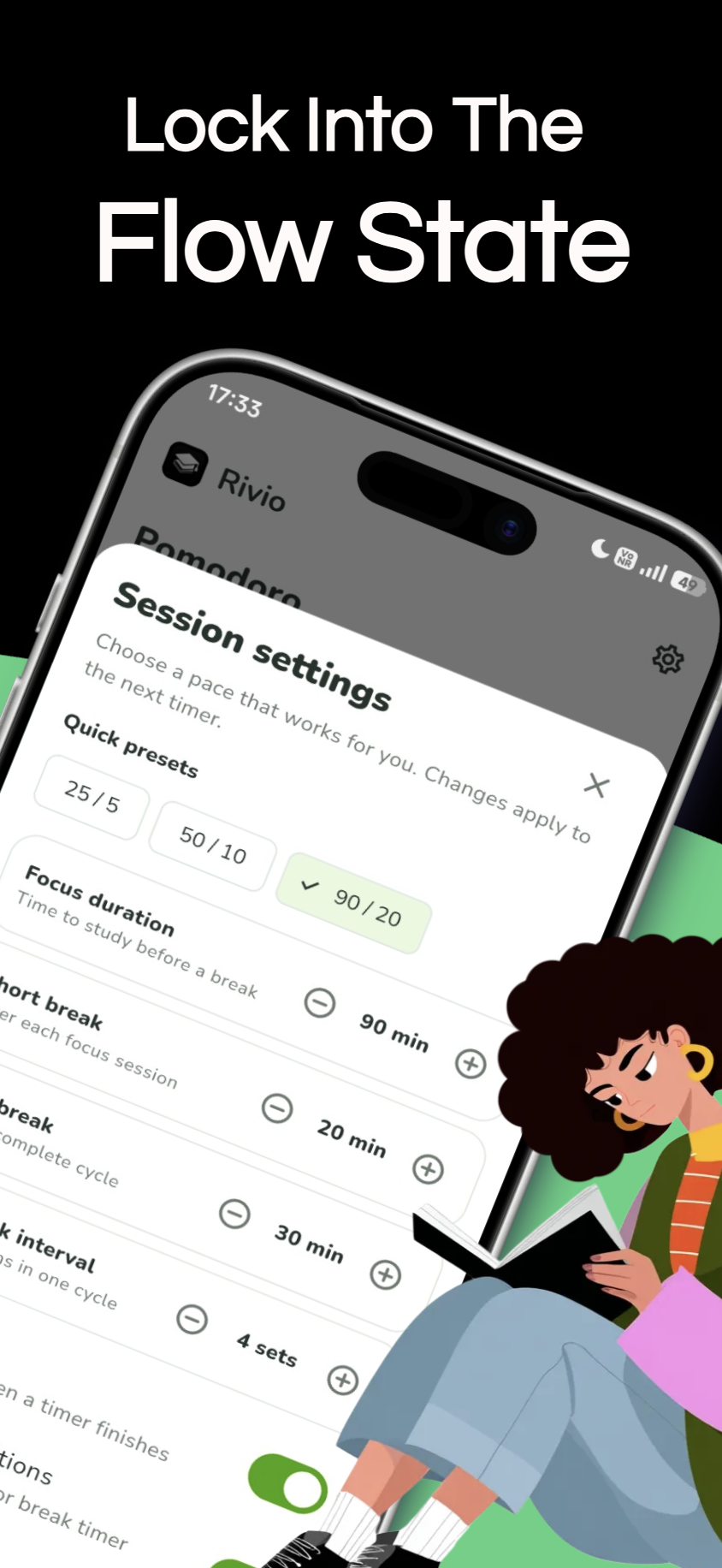
Pomodoro timer, with room to find your rhythm
Set a focused work period, take a break, and return to the next task. Adjust the timer to suit what you are studying rather than forcing every session into the same length.
Completed focus sessions contribute to your study statistics. A timer gives the block a boundary; you choose what to work on inside it.
Read the Pomodoro guide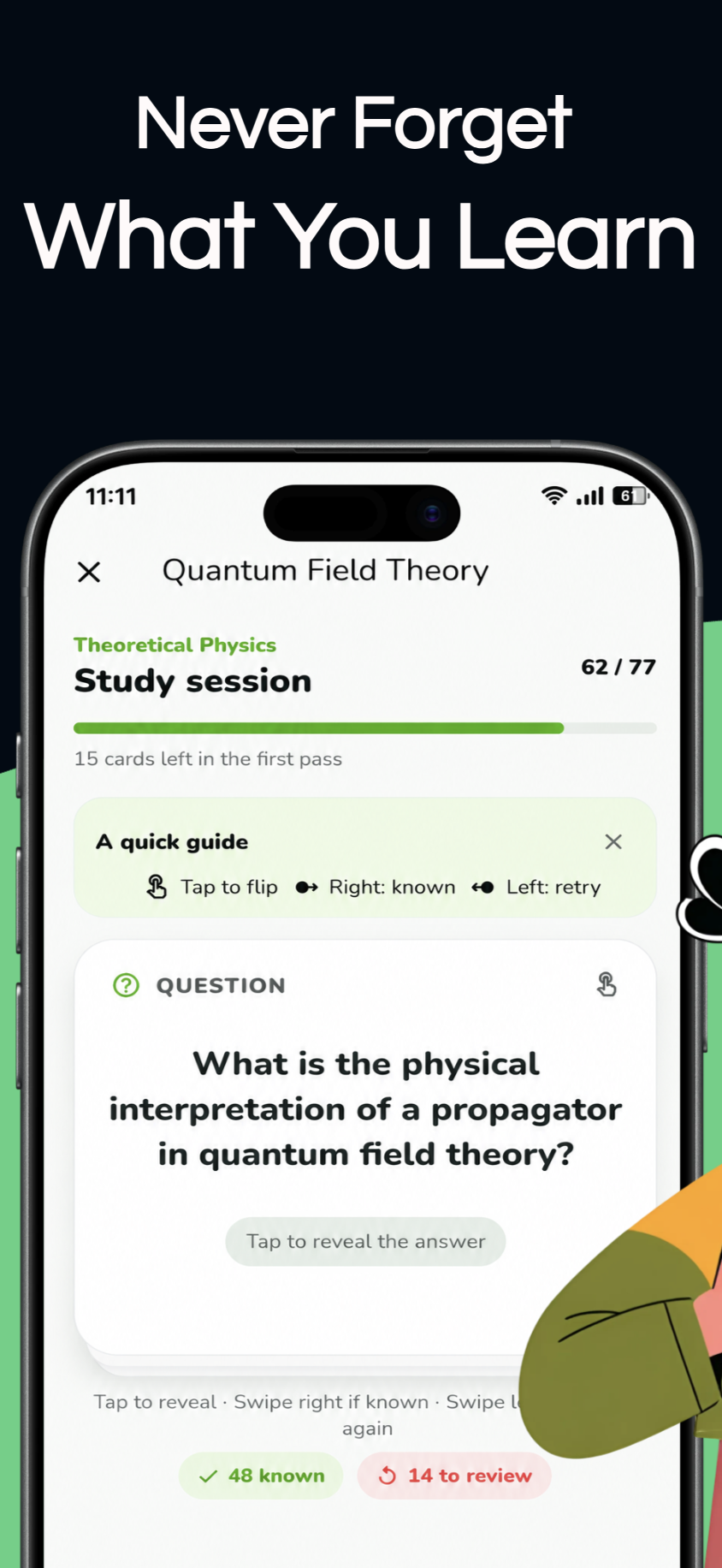
Flashcards for active recall and spaced review
Create subjects and decks around your courses. Try to retrieve an answer before revealing it, then return to cards again over time through Rivio’s spaced-repetition review flow.
Keep prompts clear and check answers against your lecture notes, especially when a definition needs exact wording.
Learn to write focused cards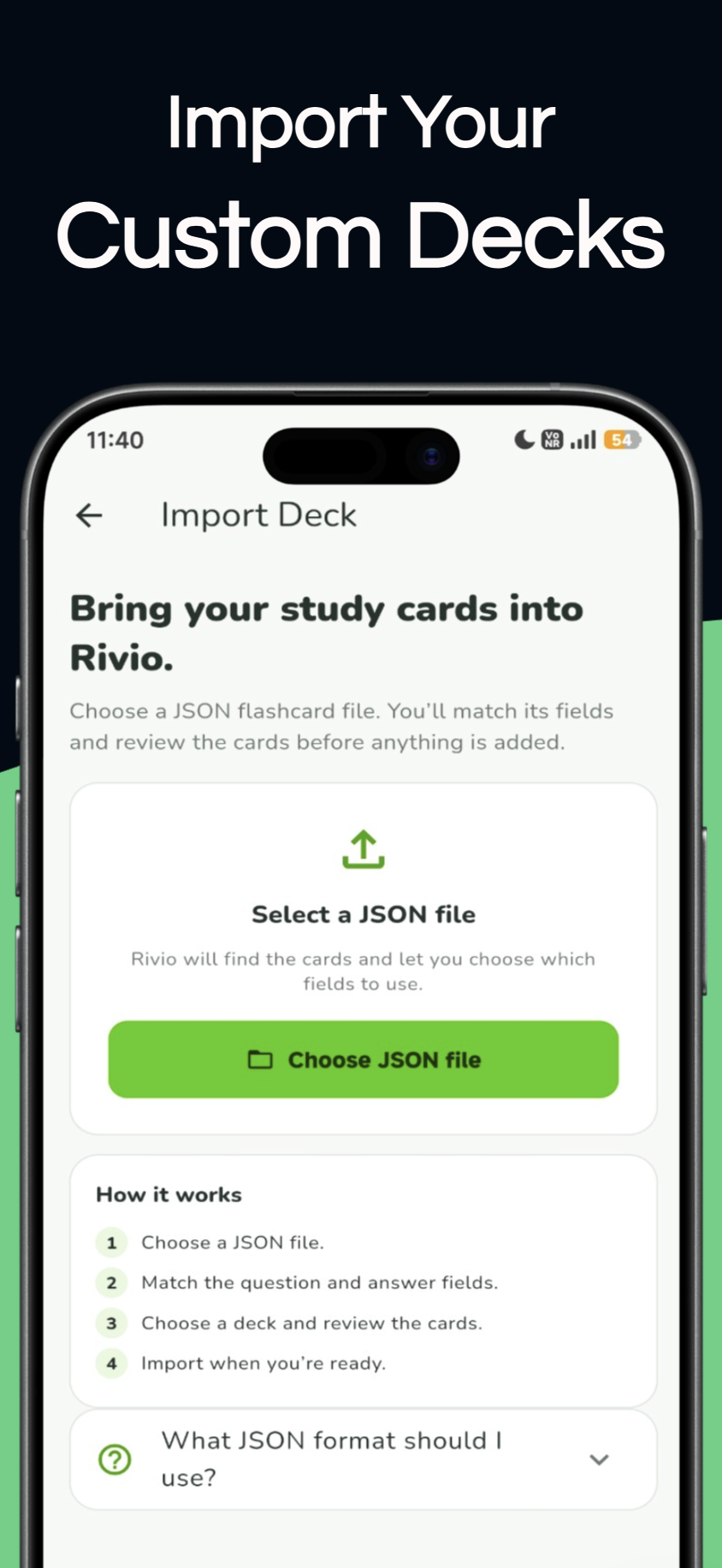
Bring compatible JSON flashcards into Rivio
Choose a JSON file, map its question and answer fields, preview valid and skipped cards, then send the checked cards to a new or existing deck.
The current importer recognises several common card-list and field names. You can choose the fields yourself if your export uses a different naming style.
See supported JSON formats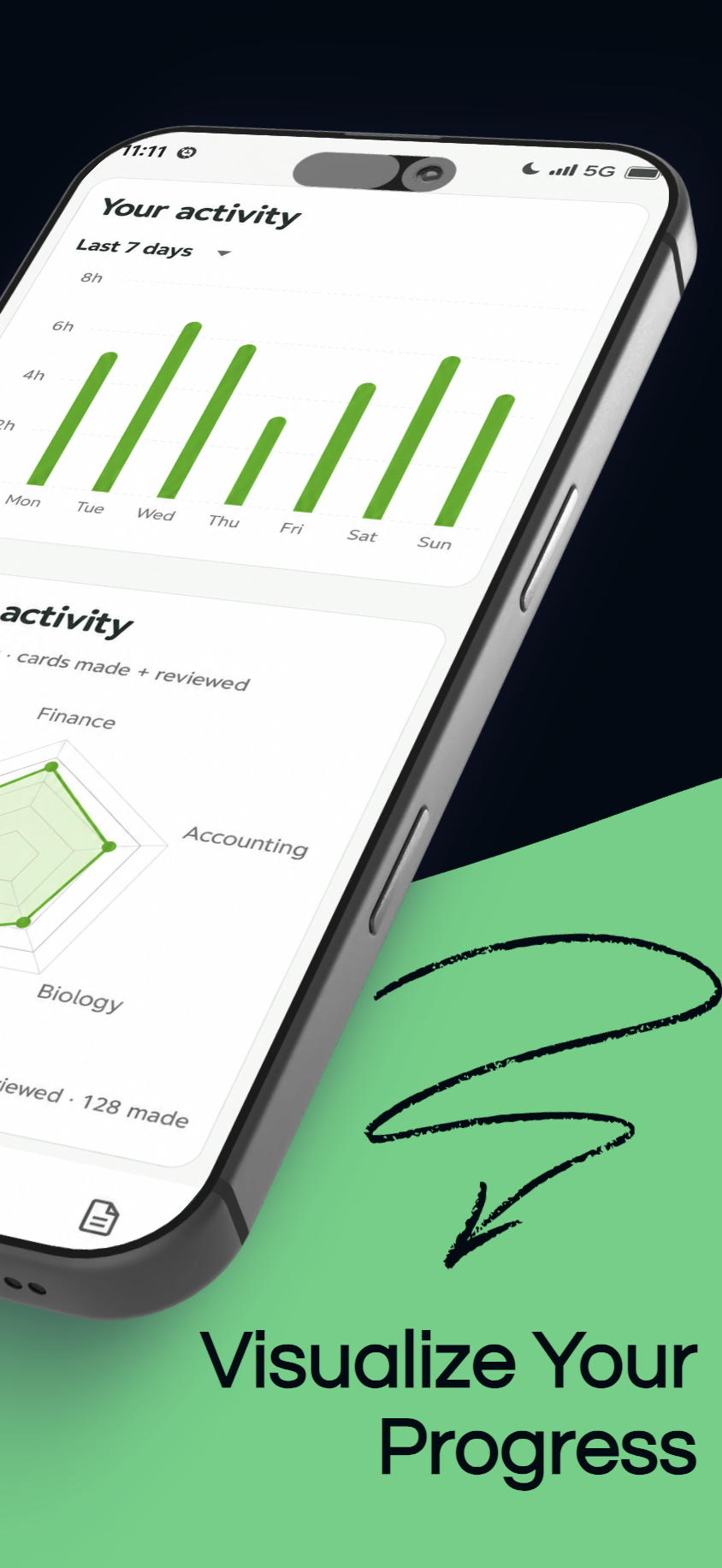
See study time, card reviews, and subject activity
Check your study time, completed focus blocks, flashcard reviews, study days, and current streak.
The radar compares your five most active subjects. Each subject’s activity is based on cards made and cards reviewed; the labels use the subject names you create.
How to read your study progress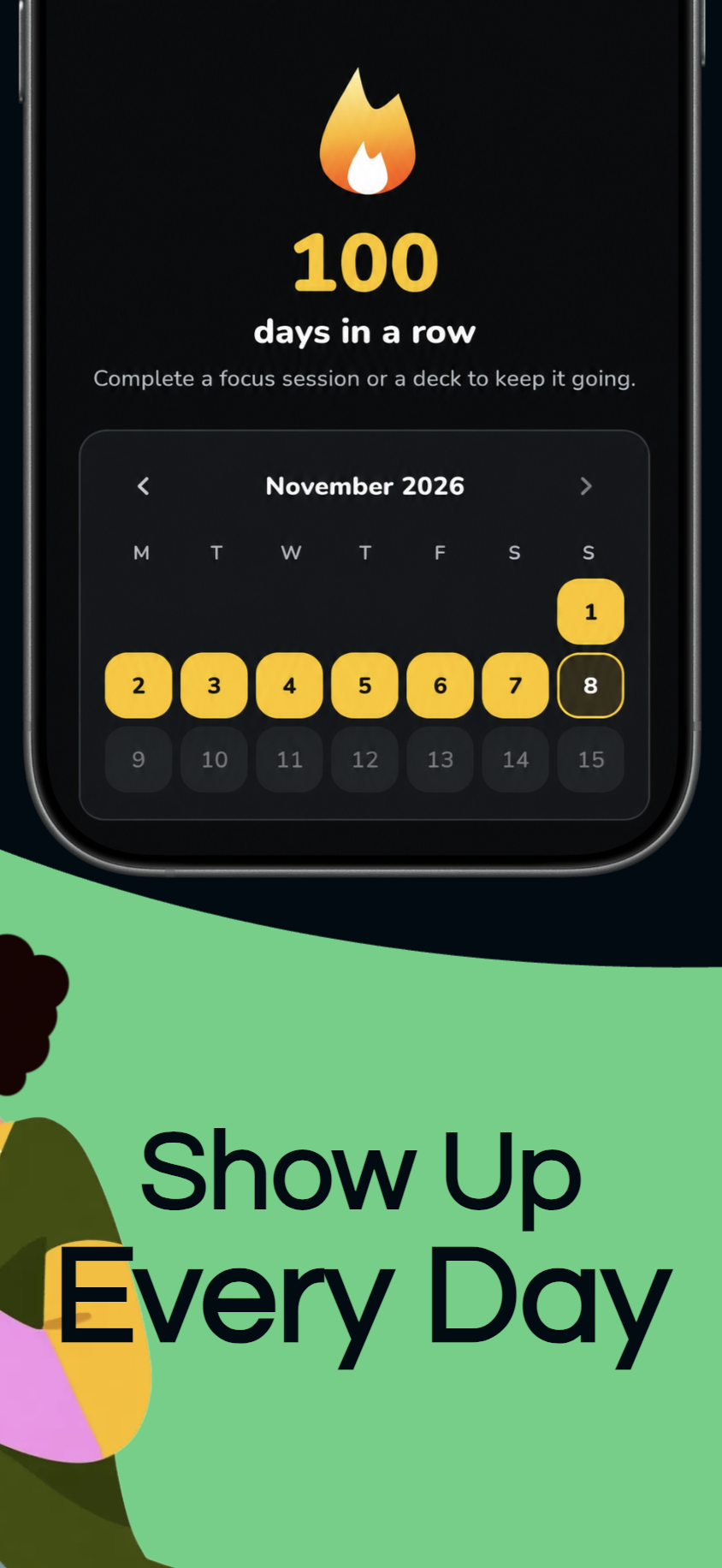
Notice your study days without chasing a number
Use a streak to notice days you made time for study. It is a reflection of your routine, not a measure of what you know or a reason to study when you need rest.
Rivio keeps core study records on your device. Keep your own backups of important files.
Build a study habit that can flex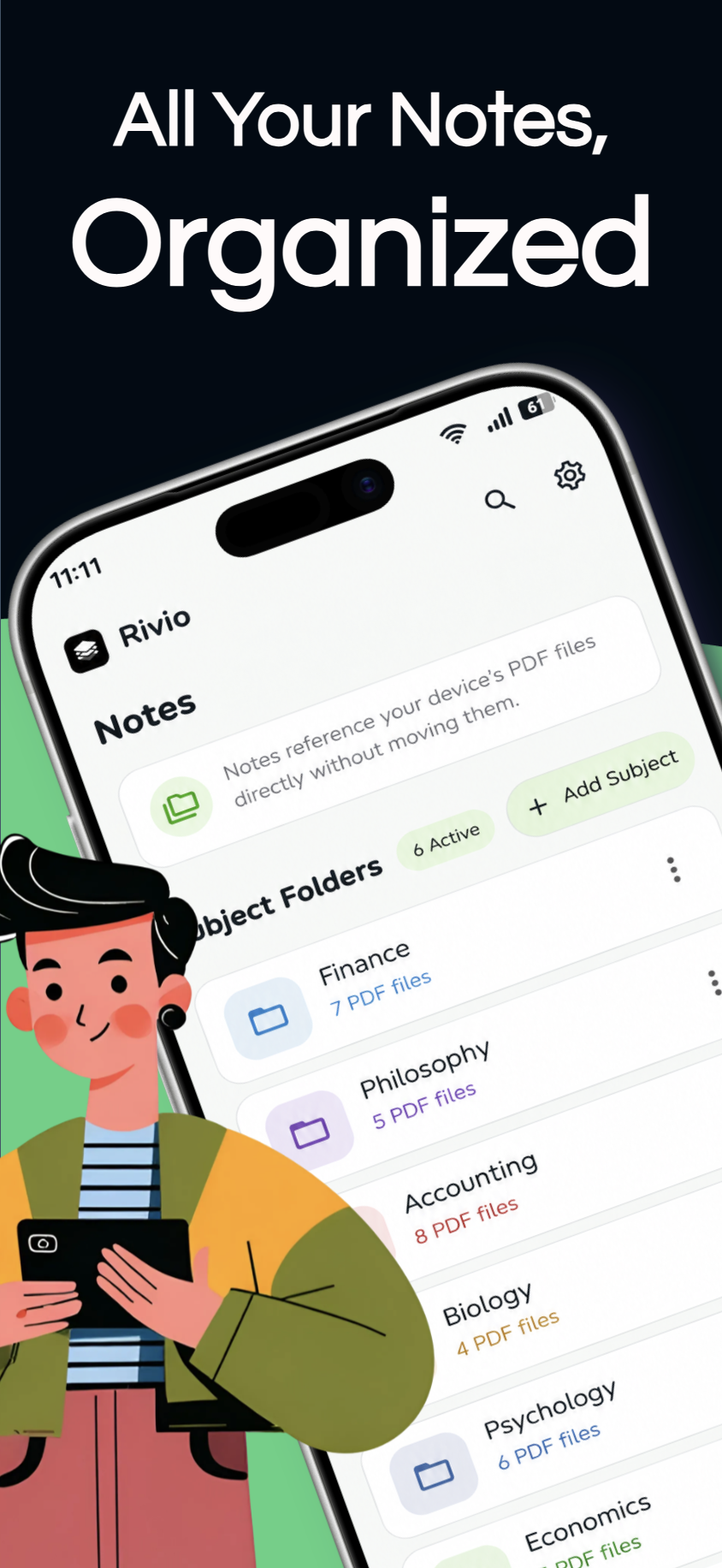
Keep each PDF reference with its subject
Group PDF references by subject so course material is easier to find when you sit down to study. Rivio stores a local reference to each selected document and opens it from the app.
The files remain on your device. Keep your own backups of important documents.
Organise notes and PDF references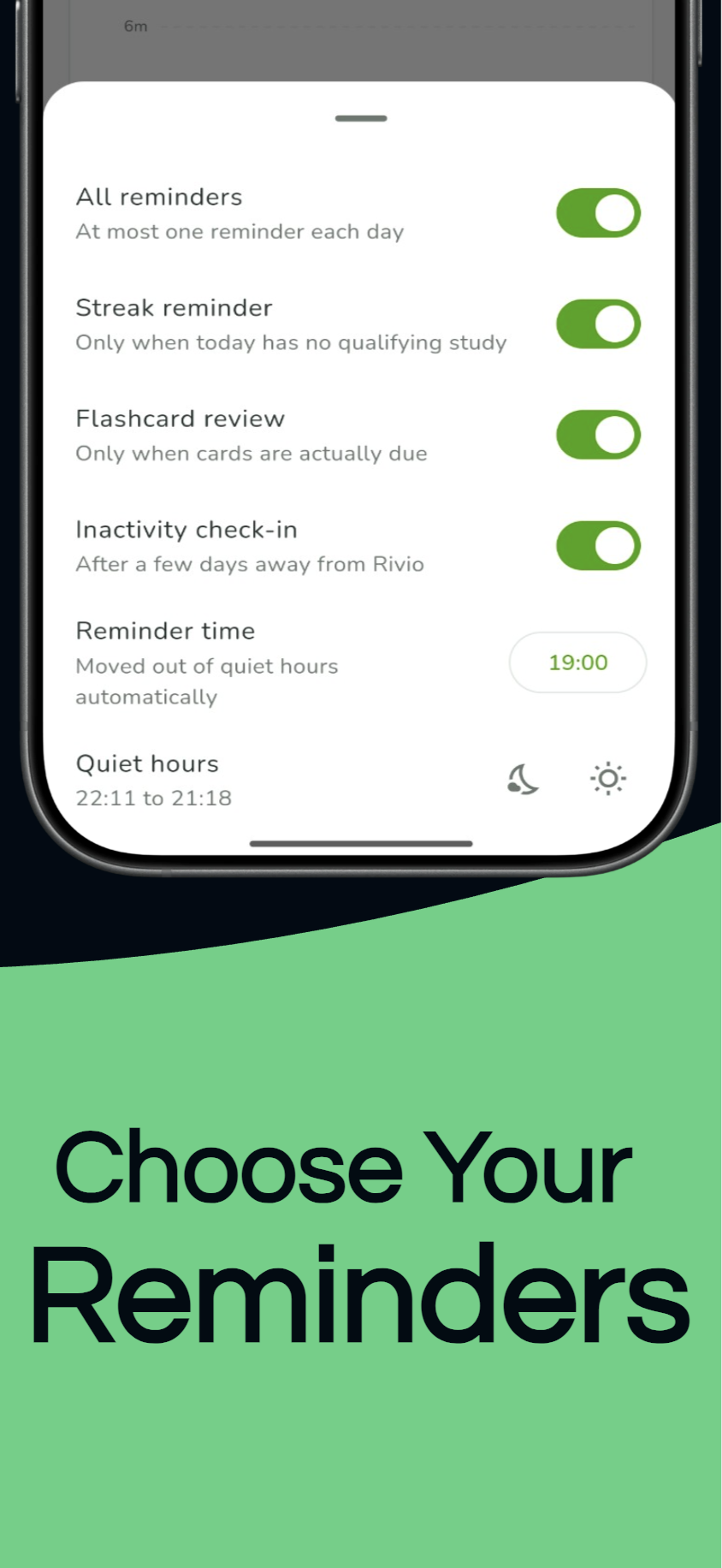
Choose reminders that fit your day
Choose which study reminders you want and set a time that fits your day. Quiet hours help keep notifications within the schedule you choose.
Keep reminders optional: a prompt should make it easier to return, not add pressure to your routine.
Choose light or dark
Choose a bright or dark appearance for Rivio. Your selected theme changes how the app’s study surfaces and controls look.
Choose the theme that is easier to read on your screen, whether you prefer a bright page or a darker one.
Start with the class you’re working on.
Open a subject, set a focus timer, and make a few flashcards from the ideas you want to remember.
Get Rivio on Google Play