
How to Make Flashcards with AI: A Source-Checked Workflow
Use AI to draft questions from class notes, verify every answer against the source, and turn the checked cards into a focused review deck.
Rivio brings focus sessions, flashcards, subject folders, and study progress together on Android. Choose a task, set a timer, and try to explain what you learned from memory.
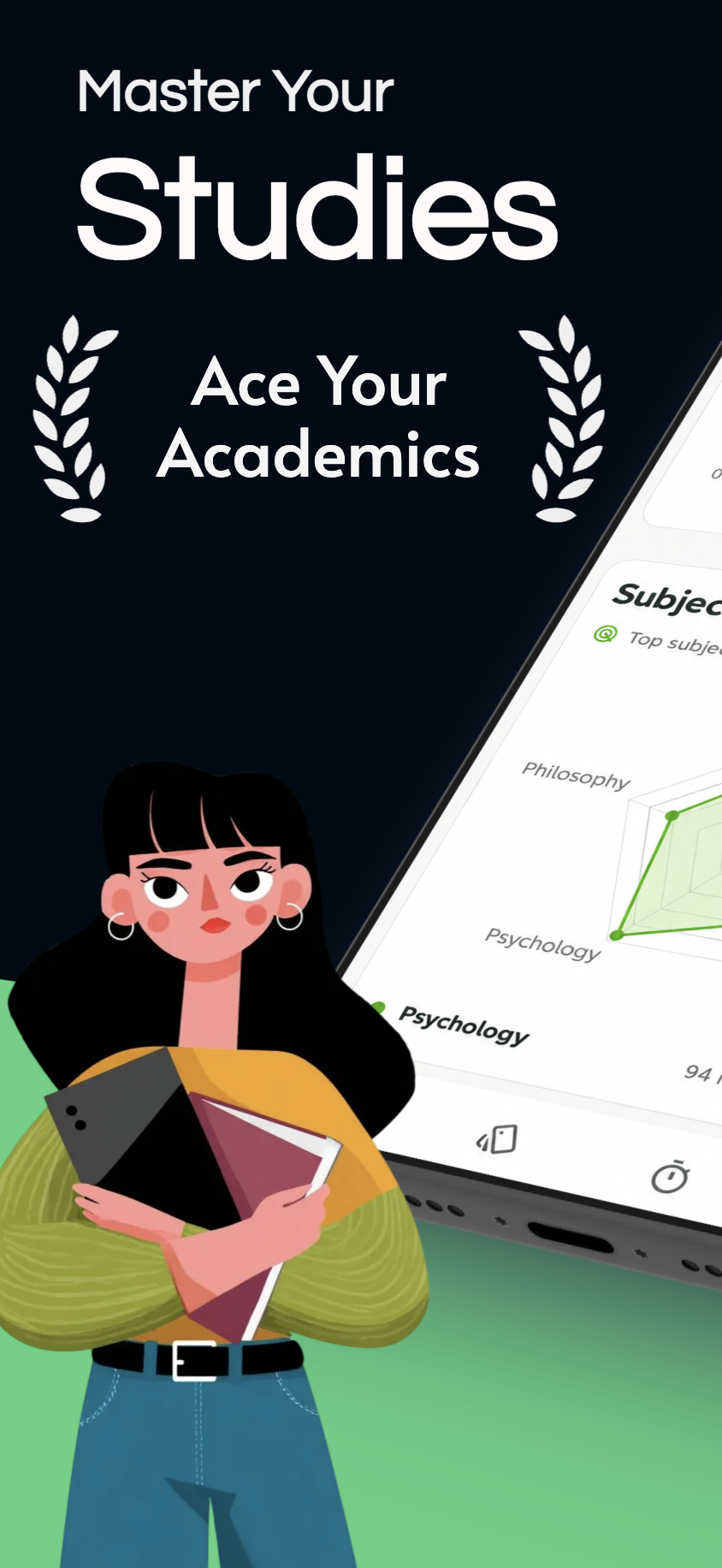
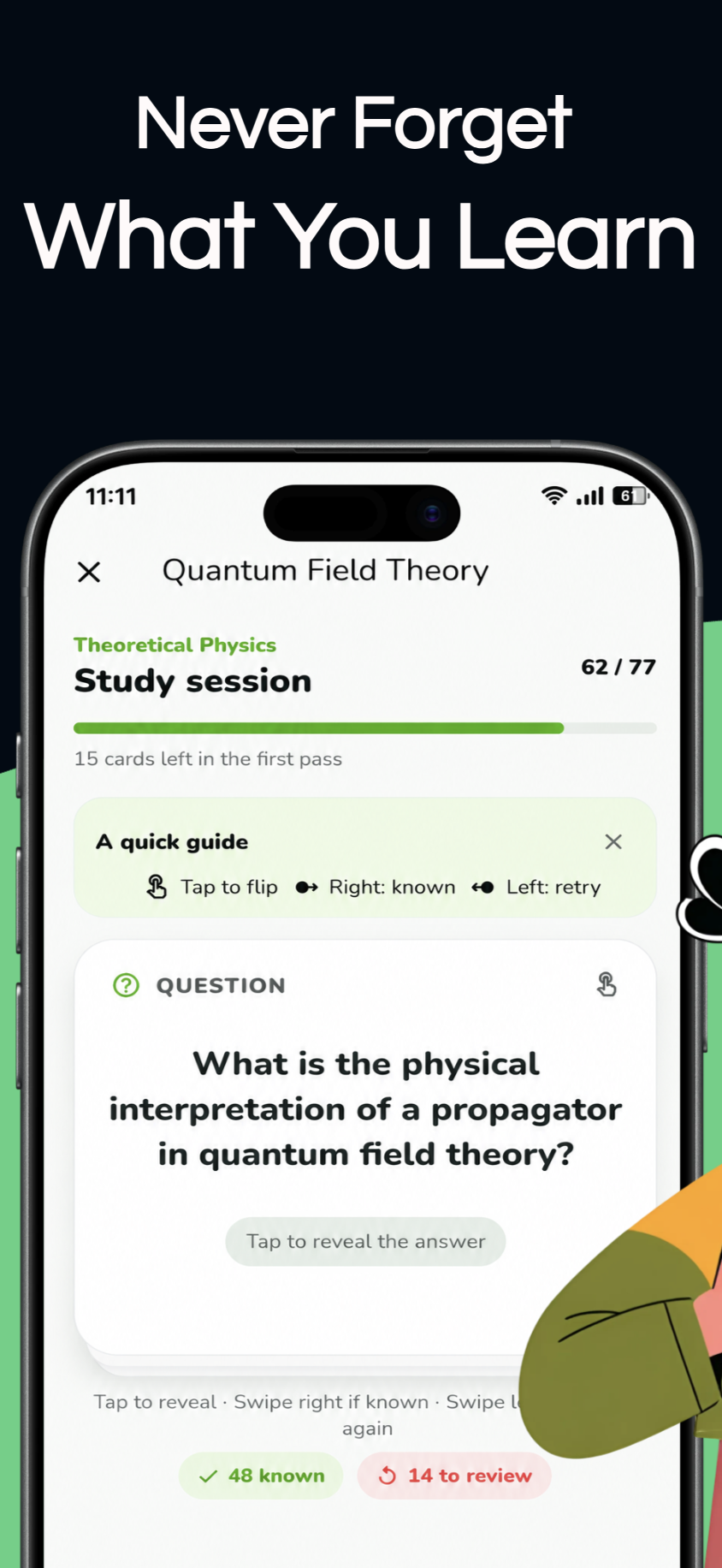
Set work and break periods that fit the task in front of you.
Answer a flashcard from memory before you reveal it, then revisit it later.
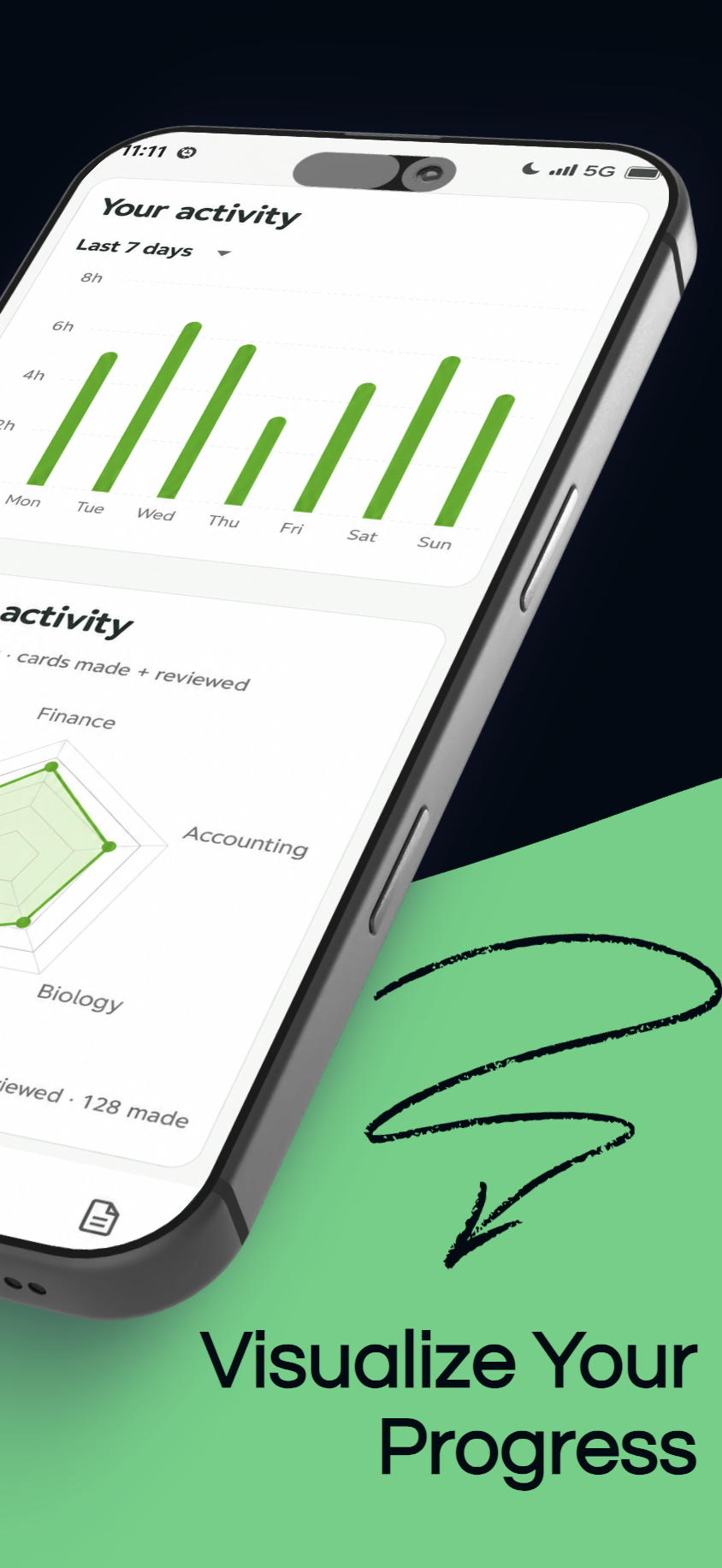
See focus time, card reviews, study days, streaks, and subject activity.
Use a focus block to begin, flashcards to check your understanding, and your study activity to decide what to revisit.
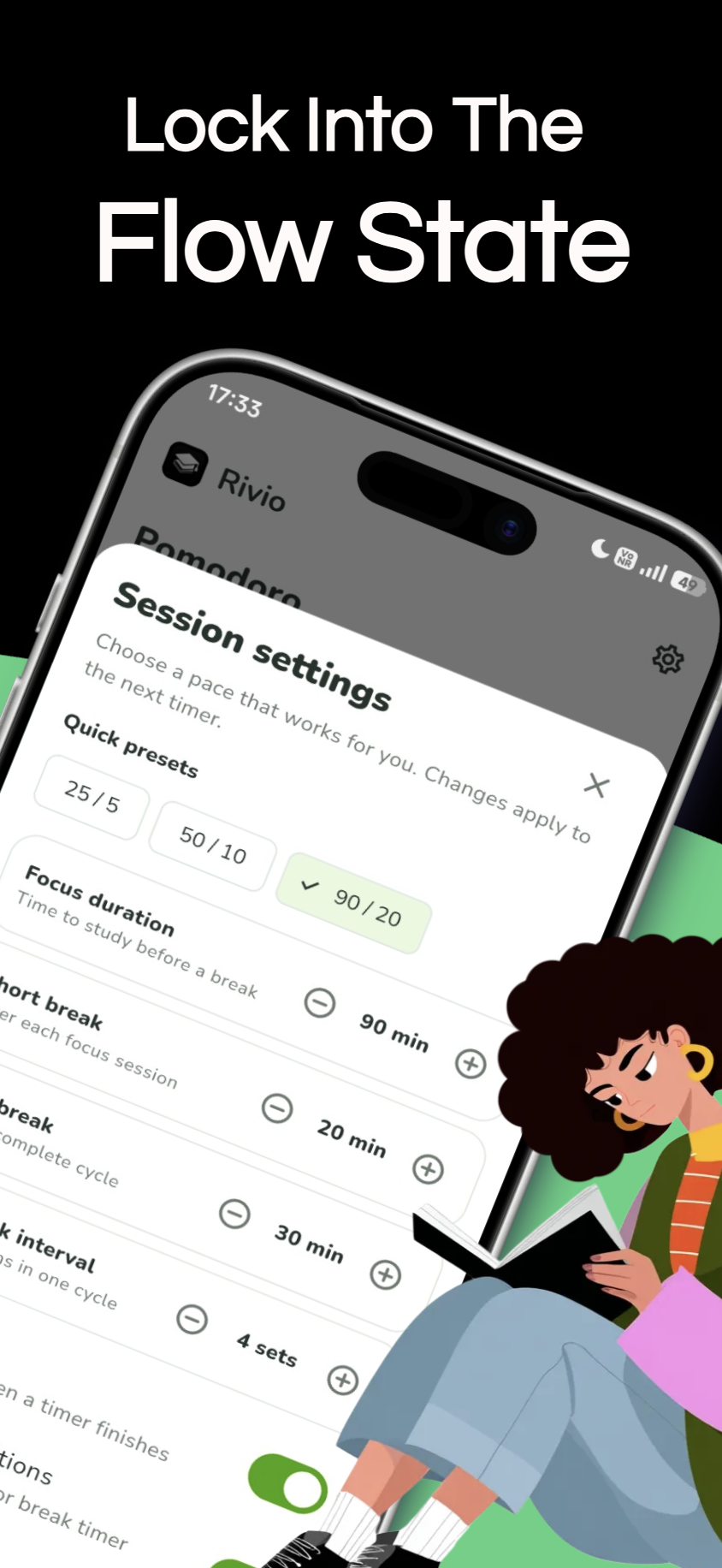
Set a Pomodoro focus period and a break, then adjust either length to suit the work in front of you.
Make your own decks, organise them by subject, and revisit cards through Rivio’s spaced-repetition study flow. Use a question to test what you can retrieve before checking the answer.
Import a compatible JSON file, map its question and answer fields, review the preview, and add the cards to a new or existing deck.
Rivio recognises common card-list shapes and lets you choose the fields yourself, so you can keep a deck that already fits your course.
See the verified import guide{
"deck_name": "Accounting",
"cards": [
{
"question": "What is depreciation?",
"answer": "Allocating an asset's cost over its useful life."
}
]
}Example format supported by Rivio’s current importer.
App screen published on Google Play
Look back at study time, completed focus sessions, flashcard reviews, study days, and your current streak.
The subject radar compares the five most active subjects using cards made and cards reviewed. Its labels come from the subjects you create in the app.
How to read your study progressA streak marks the days you studied; it is one detail in your routine, not a score of what you know.
Organise subjects and open their PDF references from your library.
Choose the prompts you want and set them around your day.
Switch the appearance to suit your screen and study space.
Set a timer if it helps, take a break, then use a few flashcards to see what needs another look.
Keep your decks and PDF references close to the course you are studying.
Work for a block that suits you, take a break, and try your flashcards.
See your study activity and decide what would help you next.
Rivio does not require an account for core study features. Advertising and analytics services may process certain technical and usage information, as explained in the privacy policy.
Practical guides on focus, memory, flashcards, and study habits, with sources to explore further.
Use AI to draft questions from class notes, verify every answer against the source, and turn the checked cards into a focused review deck.
Turn the next seven days into a realistic revision plan with retrieval practice, mixed questions, targeted review, and time to rest.
Learn what flashcards help you retrieve, what practice questions teach you to apply, and how to combine both in one study routine.
Preview free flashcards, then import a deck into Rivio if it fits your course.
Trace blood through the heart, connect electrical signals with contraction, and explain the basics of circulation and blood pressure.
View deckSort operating, investing, and financing cash flows, and practise the adjustments used in the indirect method.
View deckRecall the purpose and formulas of common liquidity, efficiency, solvency, and profitability ratios.
View deckRivio puts a focus timer, flashcards, and subject progress together on Android. Open a course, choose what to work on, and use a card to check what you remember.
Get Rivio on Google Play